Around Openings:
To get rebar around opening click Around Openings button on the main window.
Save and Save as buttons: to save input files with extension hms.
Load button: to reload old input files for changing or modifying.
Around openings draws rebar details for two types.
1. Type 1:
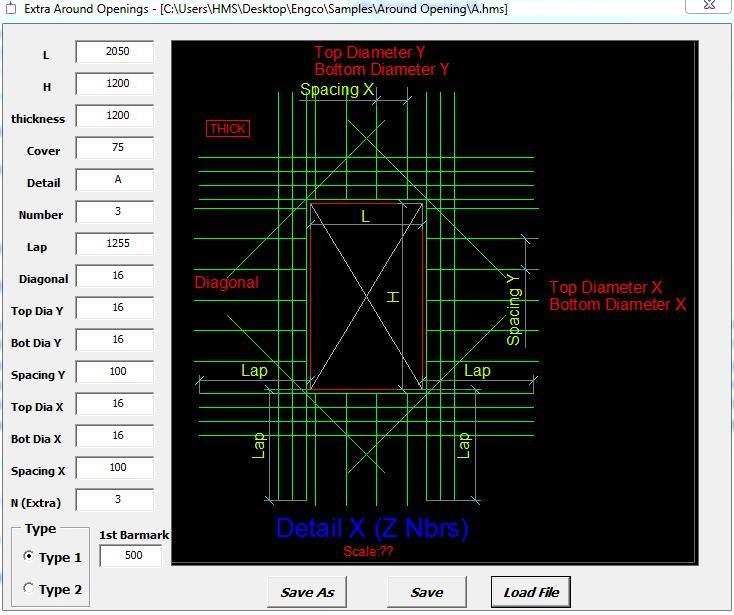
The variables are
1.1 Opening dimensions where L = opening length, H = opening height, and Thickness = opening thickness,
2.1 Cover: Cover layer for bars reinforcement,
3.1 Detail: Opening name,
4.1 Number: Number of similar openings,
5.1 Lap: overlapping value for reinforcement bars around the opening,
6.1 Diagonal: diameter of diagonal reinforcement bars around the opening,
7.1 For Bars of shape U around openings :
8.1 N ( Extra ) : number of straight reinforcement bars on each side,
9.1 1st barmark: Starting number of Bar Mark.
Input File for Type 1 :
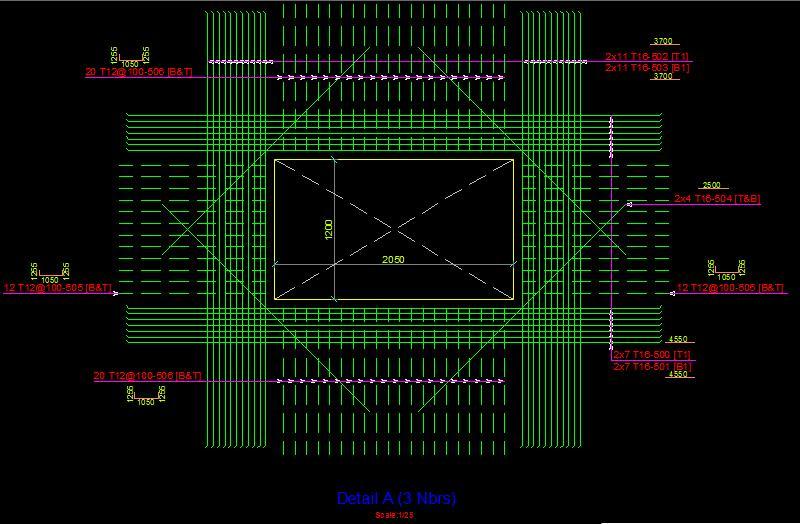
Output File for Type 1 :
2.1 Type 2:
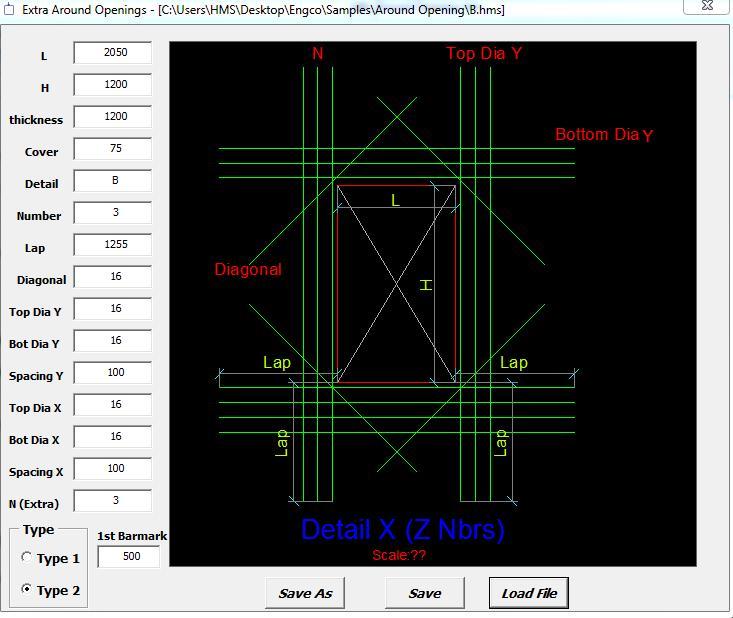
The variables are same as in Type 1 excluding paragraph 1.7: the U bars ,
Input File for Type 2 :
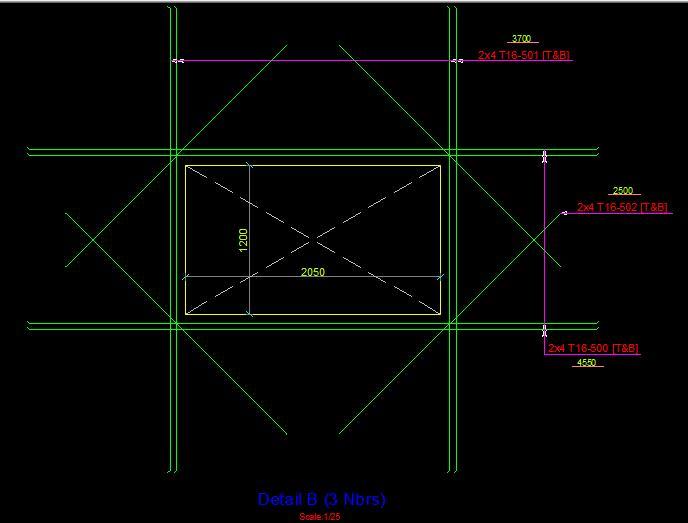
Output File for Type 2 :